
Try Takeoff Boost in your browser Upload a plan and see AI-powered takeoff results in seconds.
AI-Powered Takeoff and Estimating Tools for General Contractors
Stop taking sub bids on faith. AI gives you the numbers to push back.
The GCs winning more work aren’t working harder. They’re working with better tools. On-Screen Takeoff® with Takeoff Boost™ puts AI behind your numbers so your team can bid more, decide faster, and never walk into a sub comparison blind.



Products for Every Step of Your Workflow
General contractor estimates demand a clear, accurate picture across every trade, and our suite delivers it from fast, reliable takeoff to confident bid leveling and project-ready insights.

On-Screen Takeoff®
- Cut takeoff time by up to 95% with AI-powered features and free up your estimators for high-value work like scope review and sub negotiation.
- Automatically count doors, windows, plumbing fixtures, elevator shafts, and other key items, giving you ready to use quantities for budget checks and sub comparison sheets.
- Capture total footprint area and net area in a single AI assisted run, so you instantly know how big the building is for budget pricing and sub comparison work.

Quick Bid®
- Integrate On-Screen Takeoff to Quick Bid to quickly calculate pricing and quantities, manage change orders, and generate complete estimates and bid submissions for the commercial projects you manage.
- Build detailed material and labor breakdowns for scopes you self perform or need to sanity check, then adjust markups, overhead, and profit to keep margins visible and under control.
- Quickly generate detailed, accurate bid proposals that help you stand out and stay competitive.

Digital Production Control®
- Integrate data from On-Screen Takeoff and Quick Bid so you can bring actual labor performance back into your preconstruction process and tighten future estimates.
- Track crew production, labor usage, and completion stages on active projects, giving you a clear record that supports better schedule control and helps avoid disputes over overruns.
- Use real project history to refine productivity assumptions and improve the accuracy of your estimates across the trades and scopes you touch as a GC.
How General Contractors Are Using AI-Powered Takeoffs to Turn Days of Work into Minutes
With Takeoff Boost built into On-Screen Takeoff, GCs are turning multi-day takeoffs into minutes. Your estimators start from a draft that's already 80% complete, so the team can take on more bids, make faster budget calls, and focus on the decisions that grow the business.
Net Areas
Automatically segments each room and calculates net area along the inside edge of exterior and interior walls.
Footprint Areas
Detects and measures building footprint along the outside edge of exterior walls.
Ceiling Areas
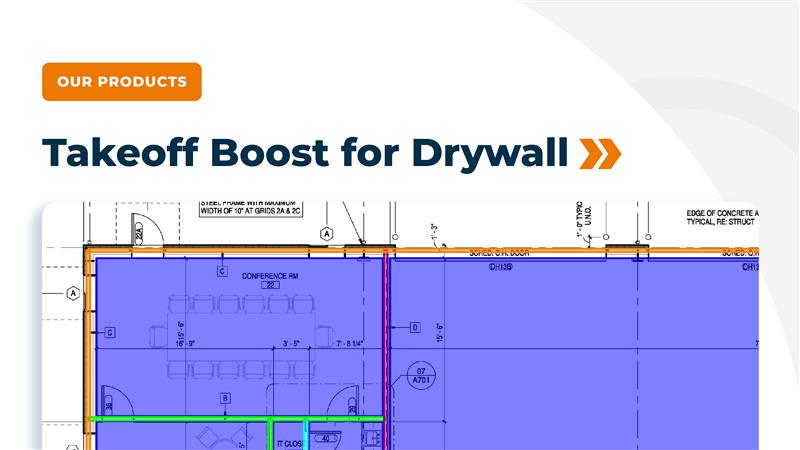
Finds ceiling areas and splits them into gypsum board (GWB) and acoustical ceiling tile (ACT) or by ceiling type when specified.
Wall Linear Footage
Calculates total wall linear footage for standard walls on architectural floorplans.
Walls by Type
Breaks wall linears out by partition type when those types are labeled on the plan (e.g., different stud/gypsum assemblies).
Wall Surface Area
Generates painting linears for both sides of interior walls, giving painters a fast baseline for surface area quantities.
Existing Wall Detection
Identifies existing walls so you can exclude them from new work and avoid over-counting when bidding remodels, build-outs, or partial renovations.
Windows and Window Types
Finds windows and can classify them by window type based on plan tags and symbols.
Doors and Double Doors
Detects and counts doors and double doors, including location on the plan.
Plumbing and Building Fixtures
Counts toilets, sinks, bathtubs, and other fixtures so trade contractors can skip manual symbol counting.
Right-Click Reassignment
Quickly reassign results to your own Conditions with a right click, so quantities flow into the naming, phasing, and assemblies you already use. Learn more.
Delete Results
Delete unneeded takeoff results without losing the Conditions themselves, keeping your structure clean while you refine results. Learn more.
Edit & Move Conditions
Rename, recolor, move, and group Conditions so results fit your naming and organization standards. Learn more.
Want to see how Takeoff Boost works on your own plans?
Try a preview of Takeoff Boost now, right in your web browser. Just upload a plan and watch AI complete the first pass of your takeoff in seconds.
“I was able to do an initial takeoff on an 85,000-square-foot job in about 30 minutes with Takeoff Boost™. That is lightyears ahead of the competition.”
John Kulger, Nibbi Brothers General Contractors

AI is Changing How Estimators Work. Are You Keeping Up?
The way takeoff gets done is shifting fast. Our latest report breaks down how AI-powered tools are helping estimators save time, increase bid capacity, and focus on high-value work.
Frequently Asked Questions
Manual takeoffs are a major time drain in preconstruction, especially for GCs who cover multiple trades at once. AI powered takeoffs with Takeoff Boost run an initial takeoff in less than a minute per page, then hand your estimators a draft that is mostly complete, which lets them bid more work with the same team, get accurate budget numbers sooner, reduce errors from fatigue, and focus on higher value work like scope review and subcontractor negotiations.
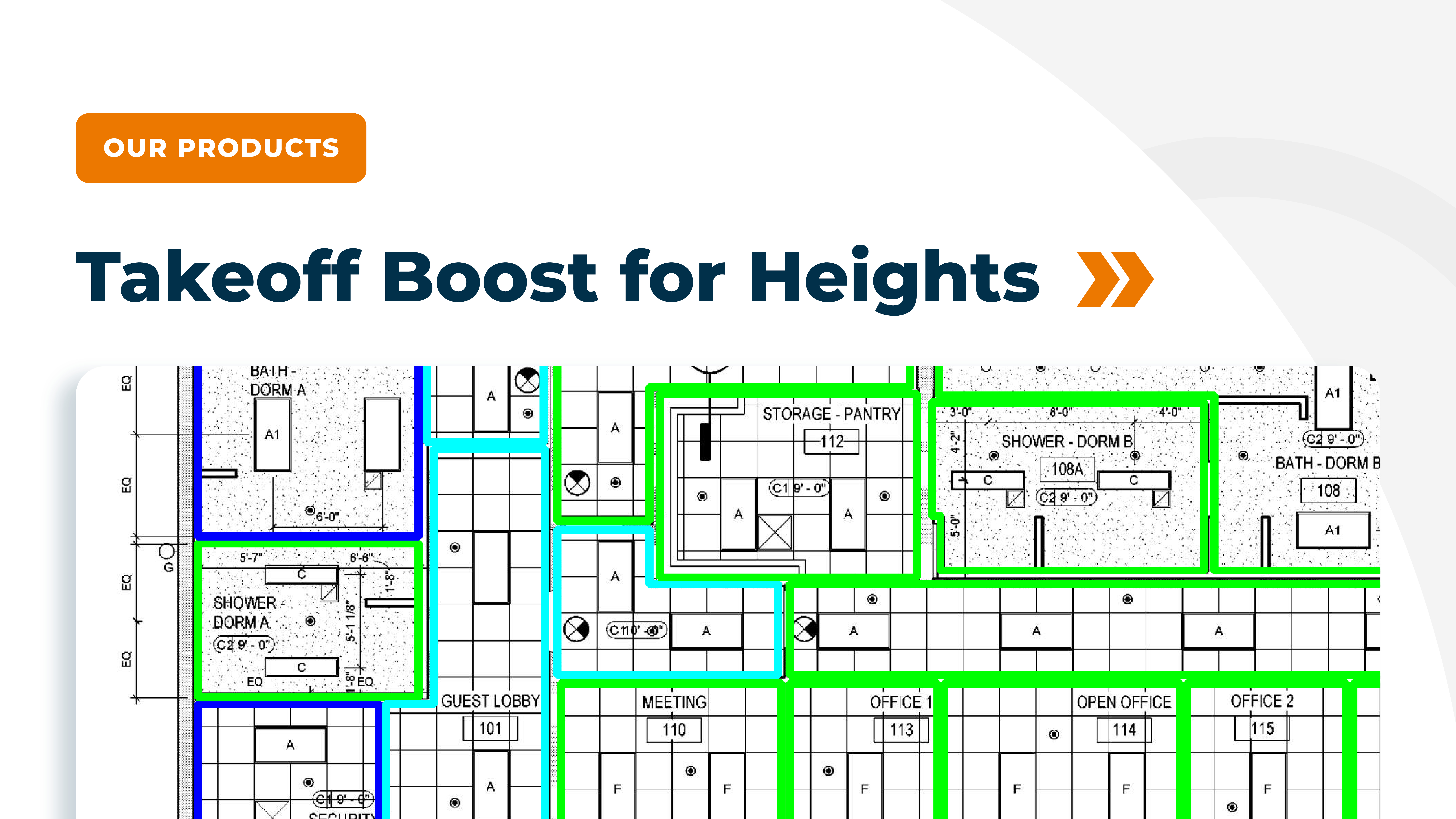
Takeoff Boost is designed for the breadth GCs need. It can scan a floor plan and deliver quantities across walls, floors, ceilings, and key counts in about the time it takes to pour a cup of coffee, capturing footprint area, net area, wall types with default heights, room by room ceiling types, and counts of doors, windows, and fixtures that you can use for budgets and sub comparison work.
On-Screen Takeoff, paired with Takeoff Boost, helps you complete accurate digital takeoffs quickly, while Quick Bid turns those quantities into detailed cost estimates and bid proposals.
Digital Production Control then brings actual field performance back into your process, so you can analyze how projects performed against estimates, refine labor assumptions, and strengthen your preconstruction strategy over time.
No, AI supports your estimators, not replace them. Takeoff Boost handles the first pass of measuring and counting, then your team reviews, adjusts, and verifies the results inside On-Screen Takeoff, keeping them in control of scope and accuracy. This shift removes the most repetitive parts of takeoff and gives estimators more time to do the work that requires their expertise, like analyzing risk, reviewing sub scope, and building stronger bids.